
Payroll that gets the Gambian numbers right.
Pay runs, payslips, PAYE, and SSHFC, calculated correctly every time. Built for businesses that pay staff in Gambian Dalasi, not businesses translating someone else's tax code.
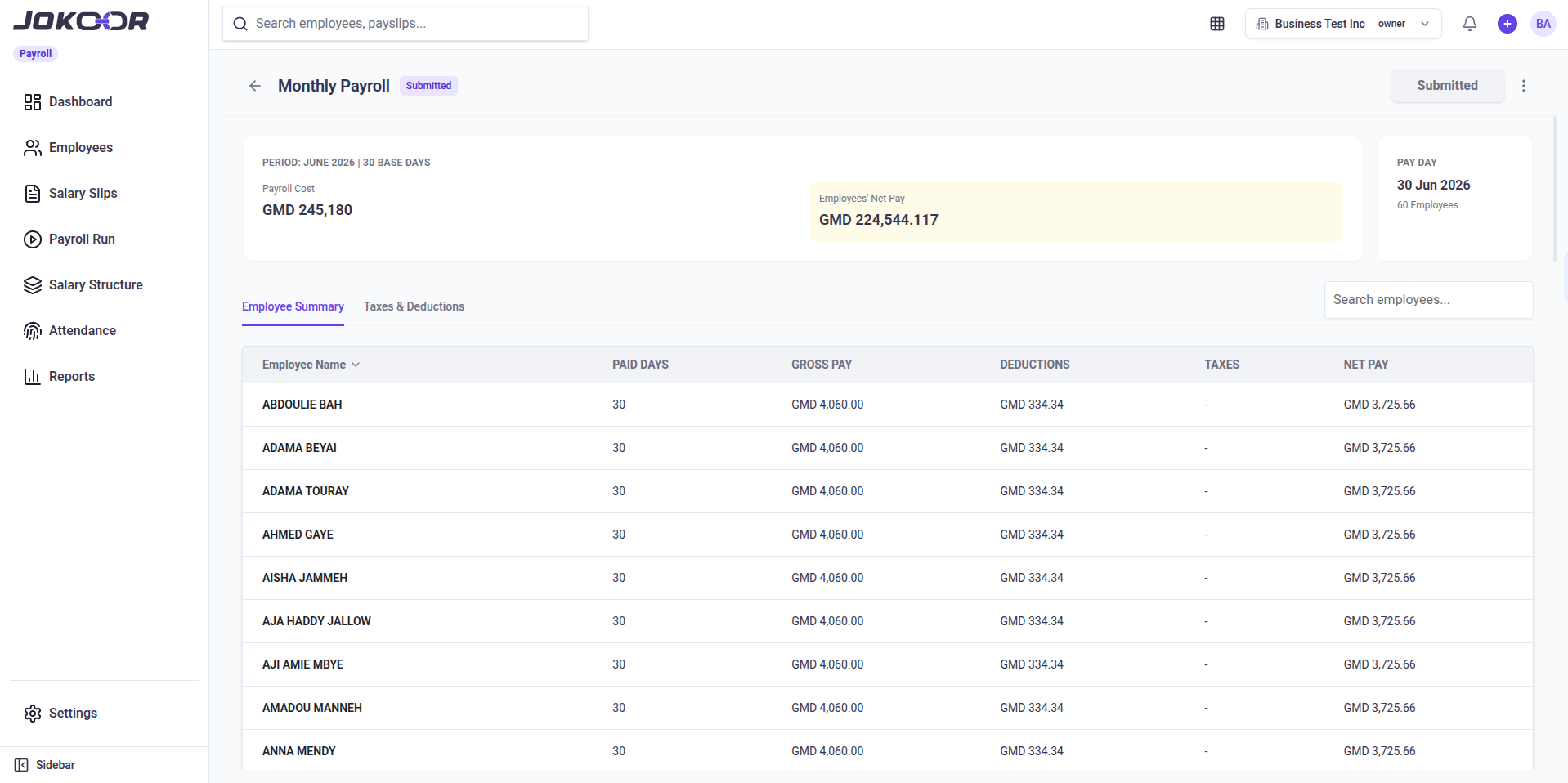
PAYE and SSHFC, calculated correctly, every time.
Every payslip runs through Gambia's PAYE bands and splits SSHFC cleanly between what the employee owes and what the employer contributes. No spreadsheet, no guesswork, no year end surprise.
- Gambia's PAYE bands applied automatically, on every payslip
- SSHFC split between the employee's 5% and your 10%, with the injuries fund kept separate
- Every payslip shows exactly what was withheld and why
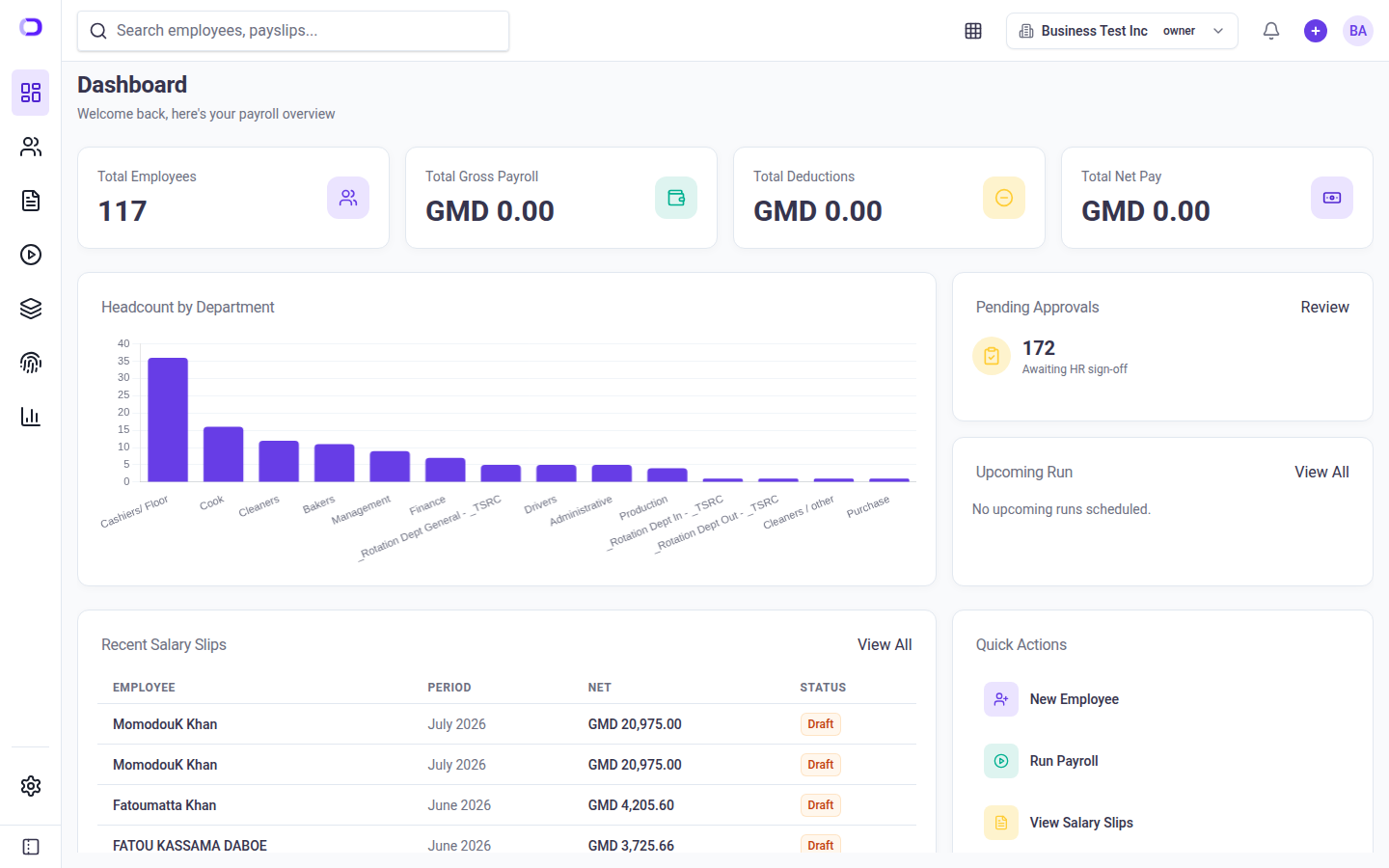
From new hire to bank sheet, in one dashboard.
Employees, leave, attendance, shifts and rota, salary structures, and reports live in one dashboard. When it's time to pay, Payroll gives you an Excel bank sheet to hand to your bank, and with the Books connection switched on, one click posts the month's salaries to Jokoor Books.
- Attendance imported from your device's Excel export, shifts and a rota
- Salary structures you set once, per employee grade
- PAYE report with year to date totals and the SSHFC contribution report, in Excel
Pay runs, payslips, statutory reports, in one.
Monthly pay runs
Payroll drafts each month's pay run for every active employee. Add a bonus or an advance repayment, check the totals, then submit to lock it.
Payslips
Every payslip breaks down gross pay, PAYE, SSHFC, and net pay. Staff get a PDF payslip through a link sent by SMS.
PAYE & SSHFC
Gambia's PAYE bands and SSHFC contributions calculated automatically: the employee's 5%, your 10% and the injuries fund.
Employee records
Each employee's TIN, SSHFC number and bank details in one place. Import your whole team from an Excel sheet.
Salary structures
Build a pay structure once and apply it to every employee on that grade.
Staff portal & leave
Staff sign in on their phone to see their payslips and request leave. You set leave types and balances, and approve requests.
Bank sheet
An Excel sheet of every employee's net pay and bank account, ready to give your bank for the transfers.
Reports
PAYE report and SSHFC contribution report for the 15th, both exported to Excel, plus leave balances and attendance summaries.
Attendance, shifts & rota
Import attendance from your ZKTeco device's Excel export, assign shifts, plan the rota, and see lateness and absence by week.
Questions about Jokoor Payroll.
Does Jokoor calculate PAYE automatically on the current bands?
Yes. PAYE is worked out on every payslip using the current GRA bands, with the first D3,000 a month tax free. When a national budget changes the bands, Jokoor updates Payroll for you, so there is nothing to change on your side.
How is SSHFC handled?
Payroll works out the National Provident Fund on each employee's basic salary: 5% taken from their pay and 10% paid by you on top, plus the injuries fund. Staff that SSHFC does not cover, such as anyone under 18, can be switched off on their record. The SSHFC contribution report lists every employee's SSHFC number and amounts, and exports to Excel.
How do staff get their payslips?
When you submit a pay run, the payslips become final. With payslip texts switched on, each employee gets an SMS with a link to their own payslip, and staff can sign in to the staff portal on their phone to see all their payslips and request leave.
Can I bring my existing spreadsheet?
Yes. Import your employees from an Excel sheet instead of typing them in one by one. One-off amounts for the month, such as a bonus or an advance being repaid, can be brought in from Excel too.
How do salaries get to the bank?
Payroll gives you a bank sheet in Excel with each employee's bank, account number and net pay for the month. You give it to your bank, and your bank makes the transfers.
Run payroll without the guesswork.
Pay runs, payslips, and statutory reports, ready when you are.